Answering a research question often requires reading through several papers and figuring out how each of them might be useful. You need to track down what each paper says about your question, what methods the authors used to arrive at the relevant results, and what caveats to keep in mind to understand the boundaries.
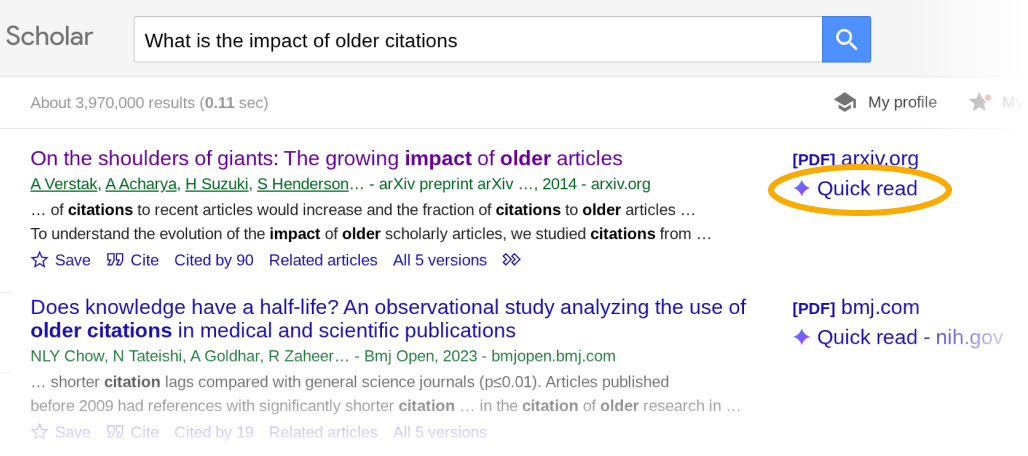
Today, we are introducing Scholar Quick Read, to help you answer your research queries faster. Search results in Scholar Labs and Scholar search that discuss your question in depth now include a “Quick read” link.
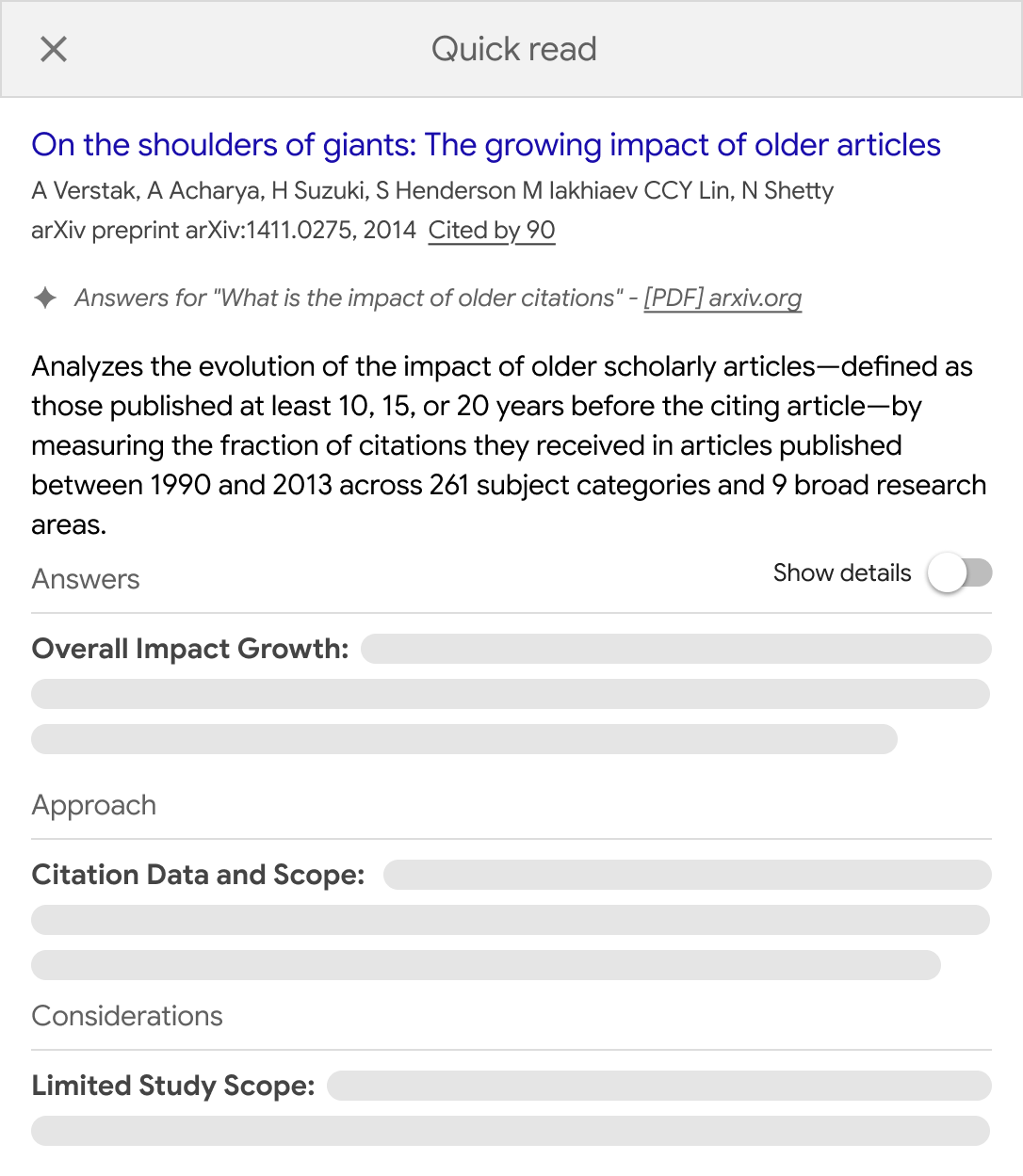
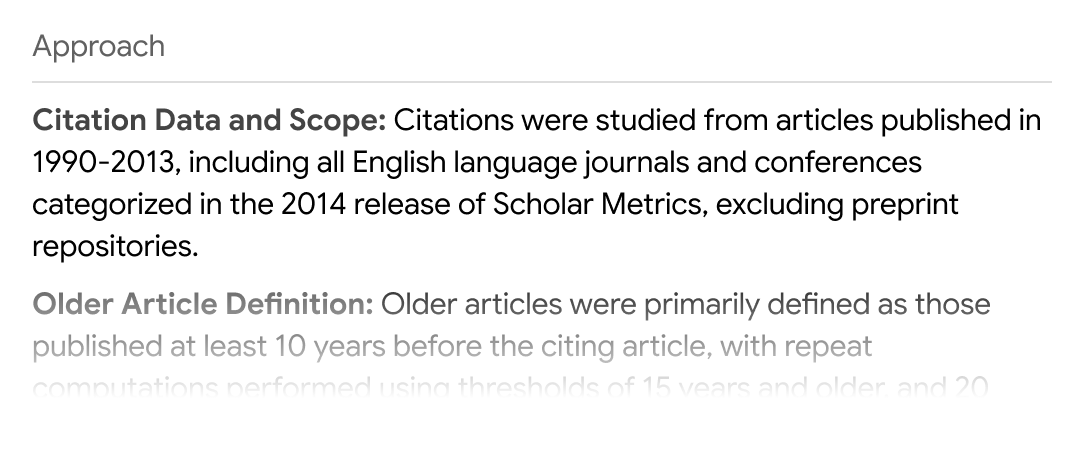
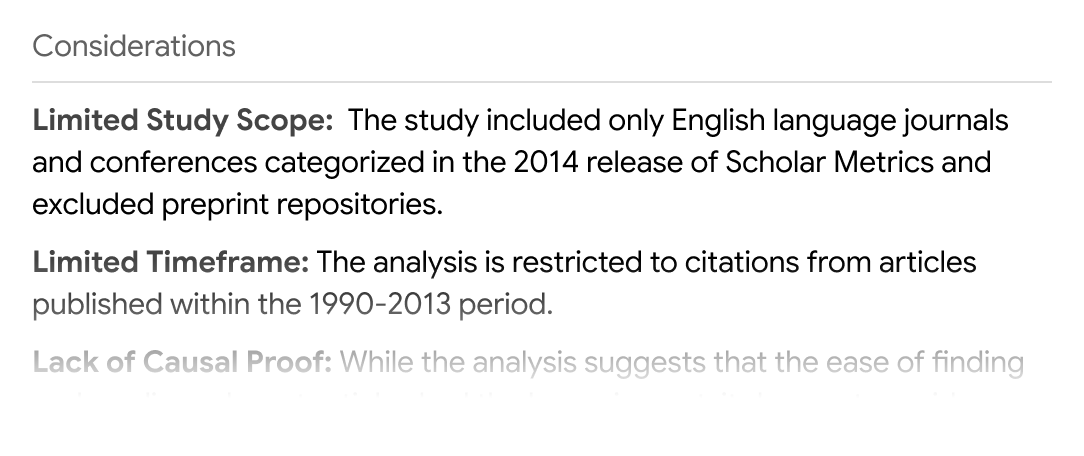
Click “Quick read” to read a short presentation of the paper focused specifically on your query. You’ll see an overview and three sections: Answers, Approach, and Considerations.
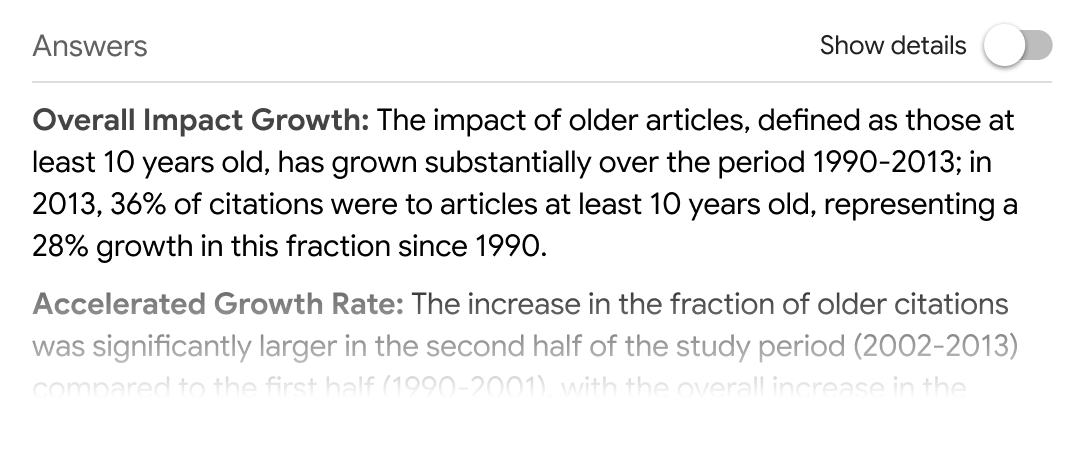
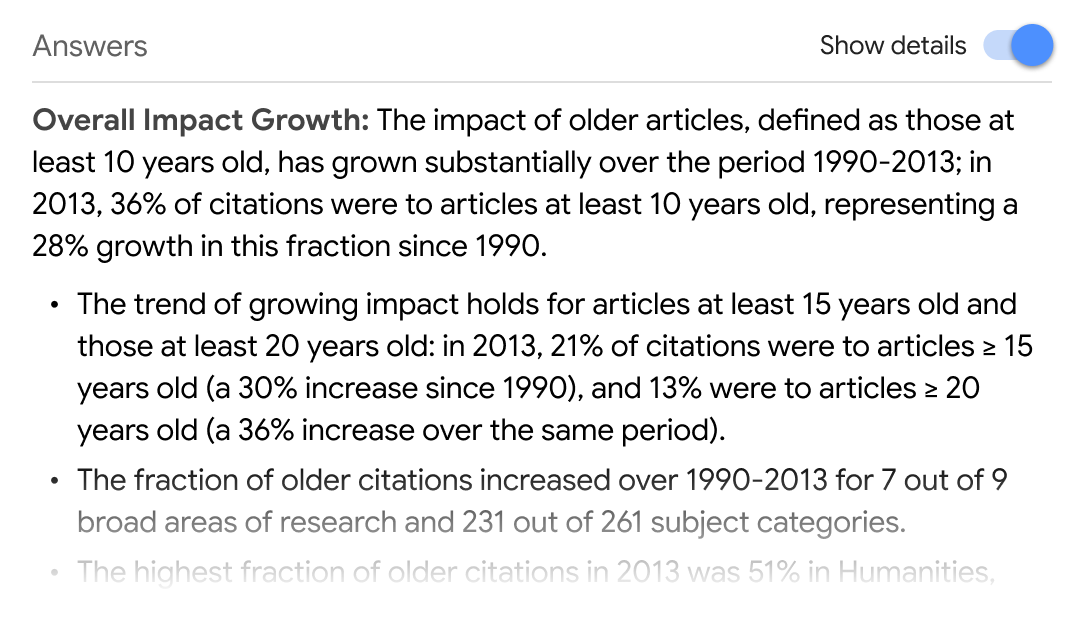
The Answers section presents an overview of what the paper says about your query as well as the supporting details for each of the points. Click “Show details” to view the details.
The Approach section describes the methods and techniques from the paper that are relevant to your question.
Finally, the Considerations section lists some caveats to keep in mind as you analyze the results.
Quick Read links appear only for papers that you have access to. We have worked with many of our scholarly publishing partners to enable them for your subscribed articles. We thank all our colleagues for joining us in this shared endeavor.
Quick Read is available for logged in users and is currently limited to English articles.
Here is hoping Quick Read helps find answers to your research questions in the ocean of knowledge.
Scholar Labs is a search mode that helps you answer detailed research questions. Today, we’re releasing an update that:
Whether you’re starting your research journey with a literature survey, mid-way through a project and looking up the details of a specific method, or making sure you haven’t missed an important citation before sending off your manuscript, Scholar Labs is designed to help you find the papers you need.
For every question, Labs identifies its key topics, aspects, and relationships. It then searches Scholar and scans the results to find papers that best answer your overall research question. For each paper, it provides a brief description of how the paper might be helpful. And it includes all the familiar Scholar features that you depend upon.
You can also ask follow up questions to dig deeper and explore specific nuances.
Scholar Labs is available for all logged in users and supports questions in all languages. The updated version of Labs is available in English starting today, and we hope to roll this out to all other languages shortly.
Happy searching!
Posted by: Sam Yuan, Namit Shetty, Alex Verstak, Anurag Acharya